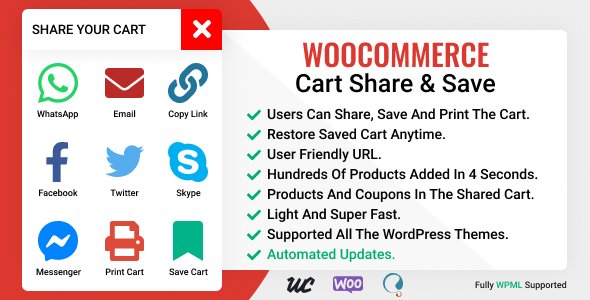
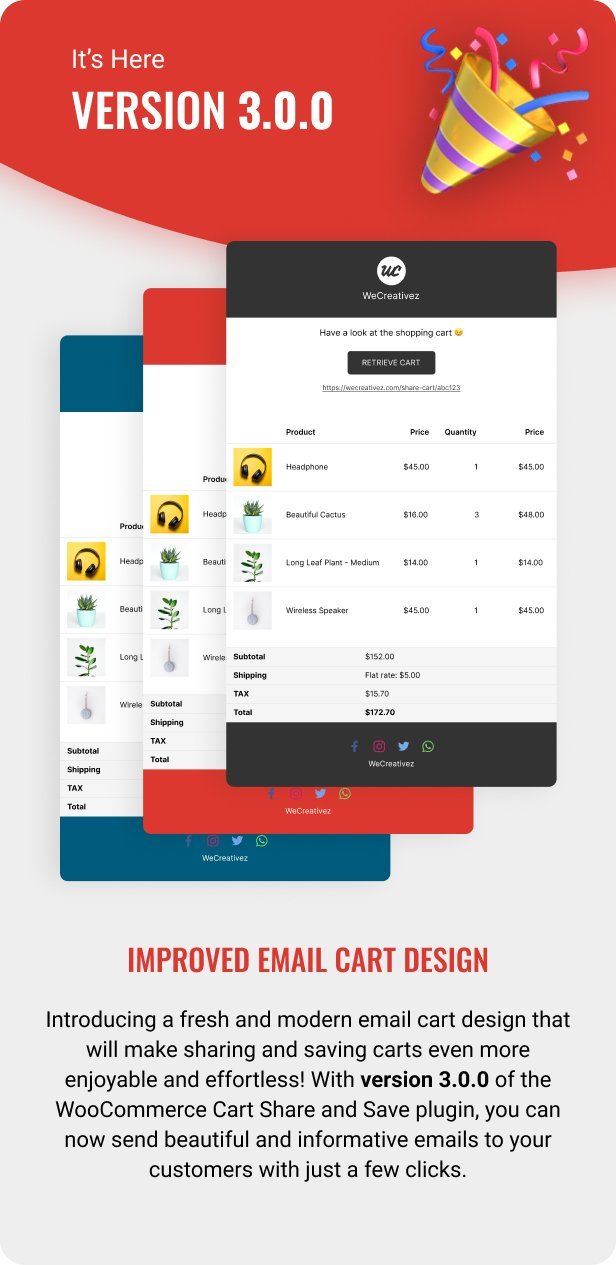
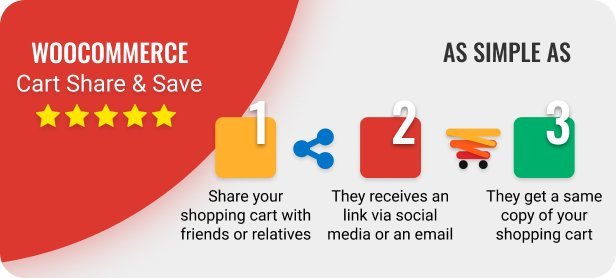
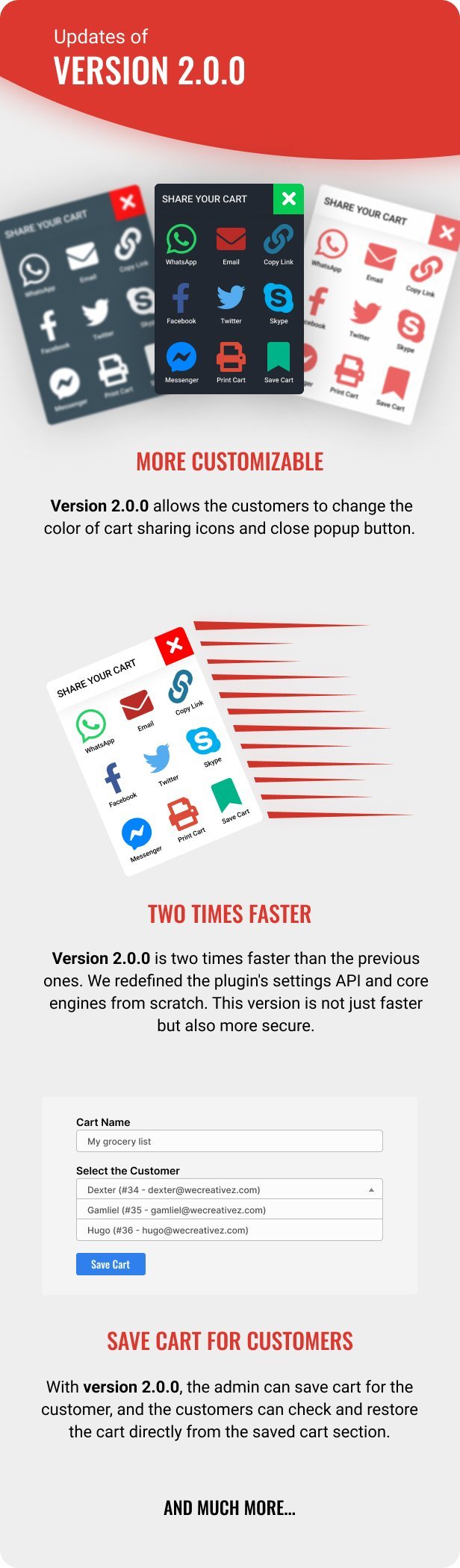
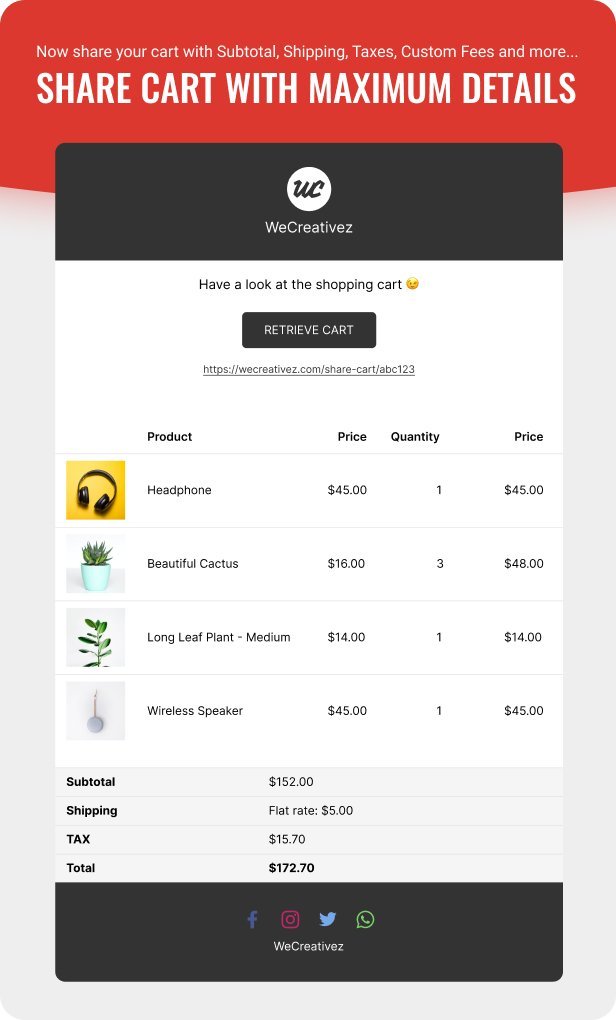
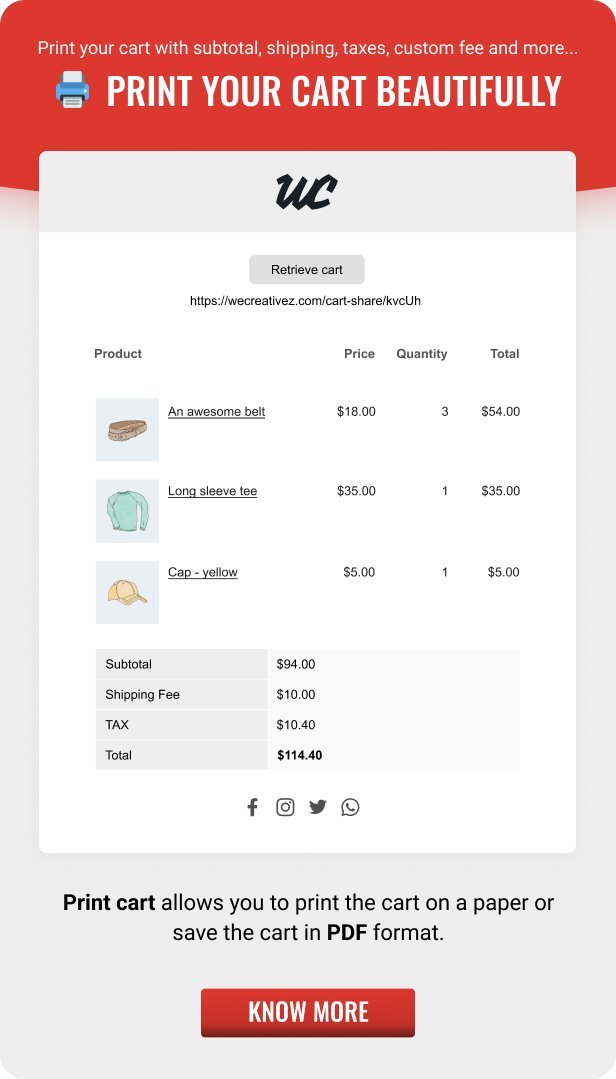
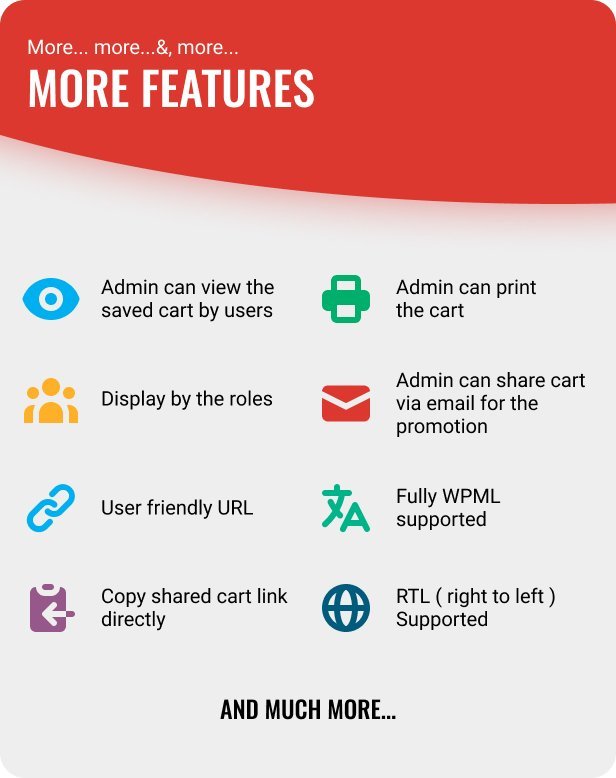
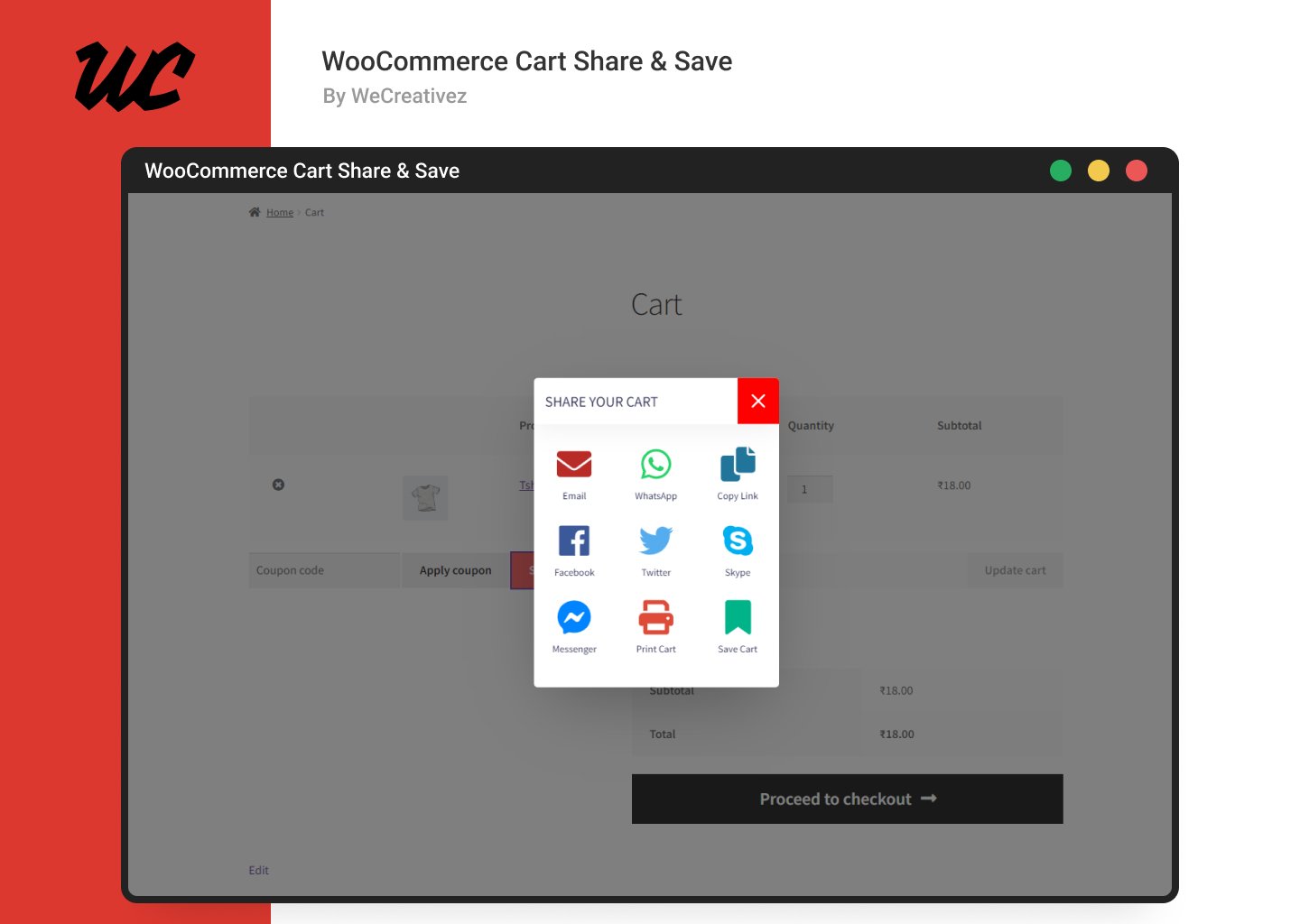
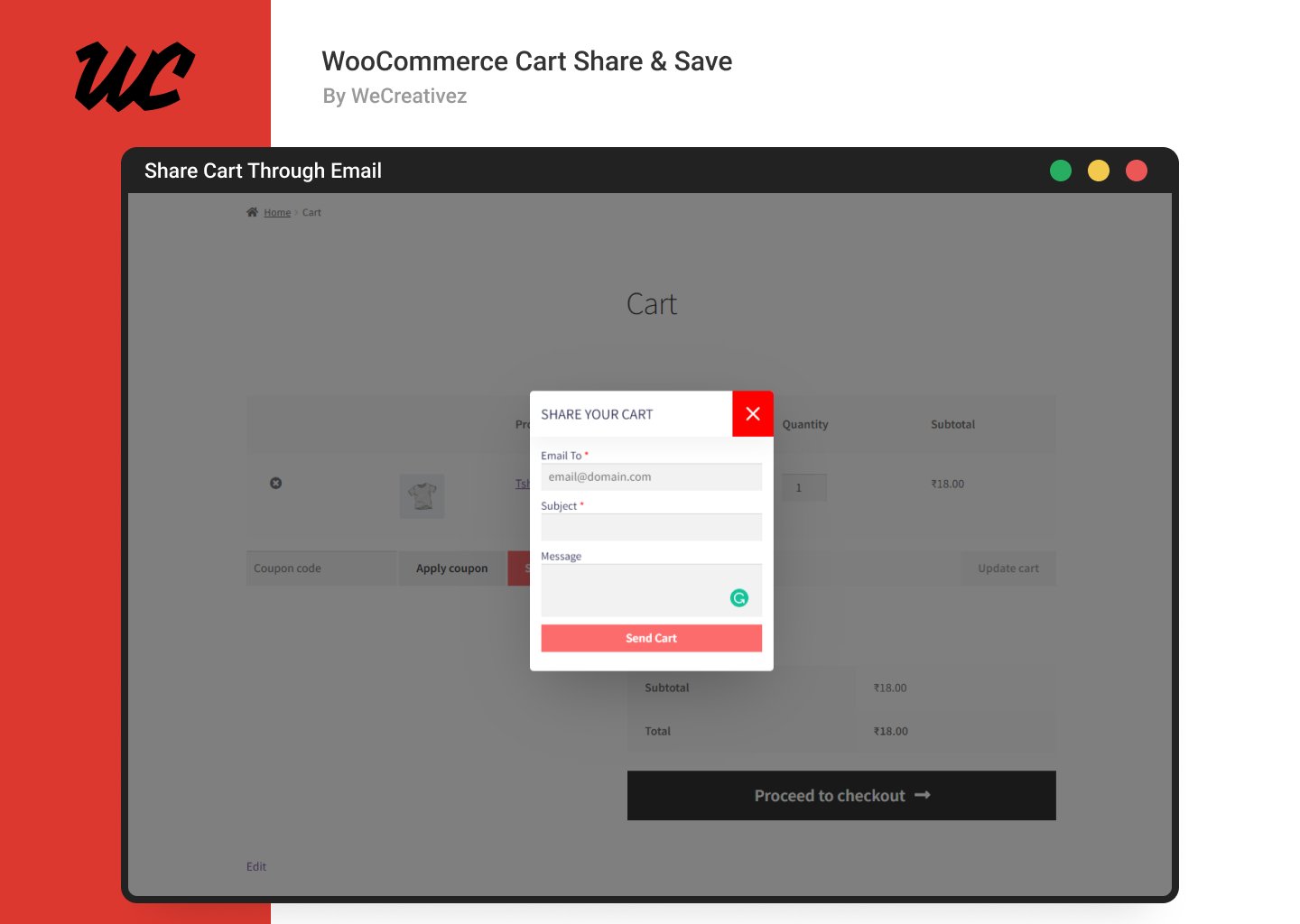
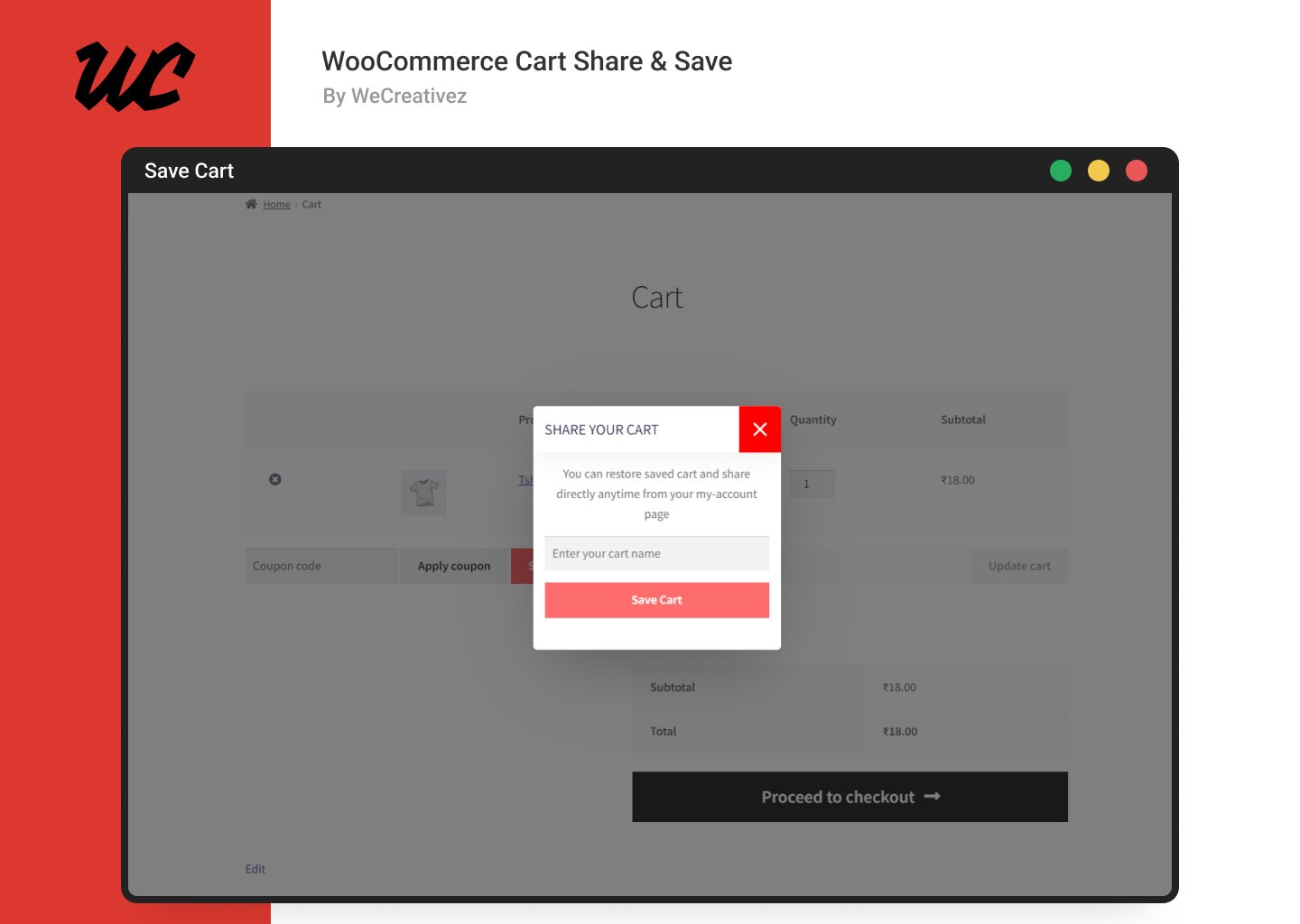
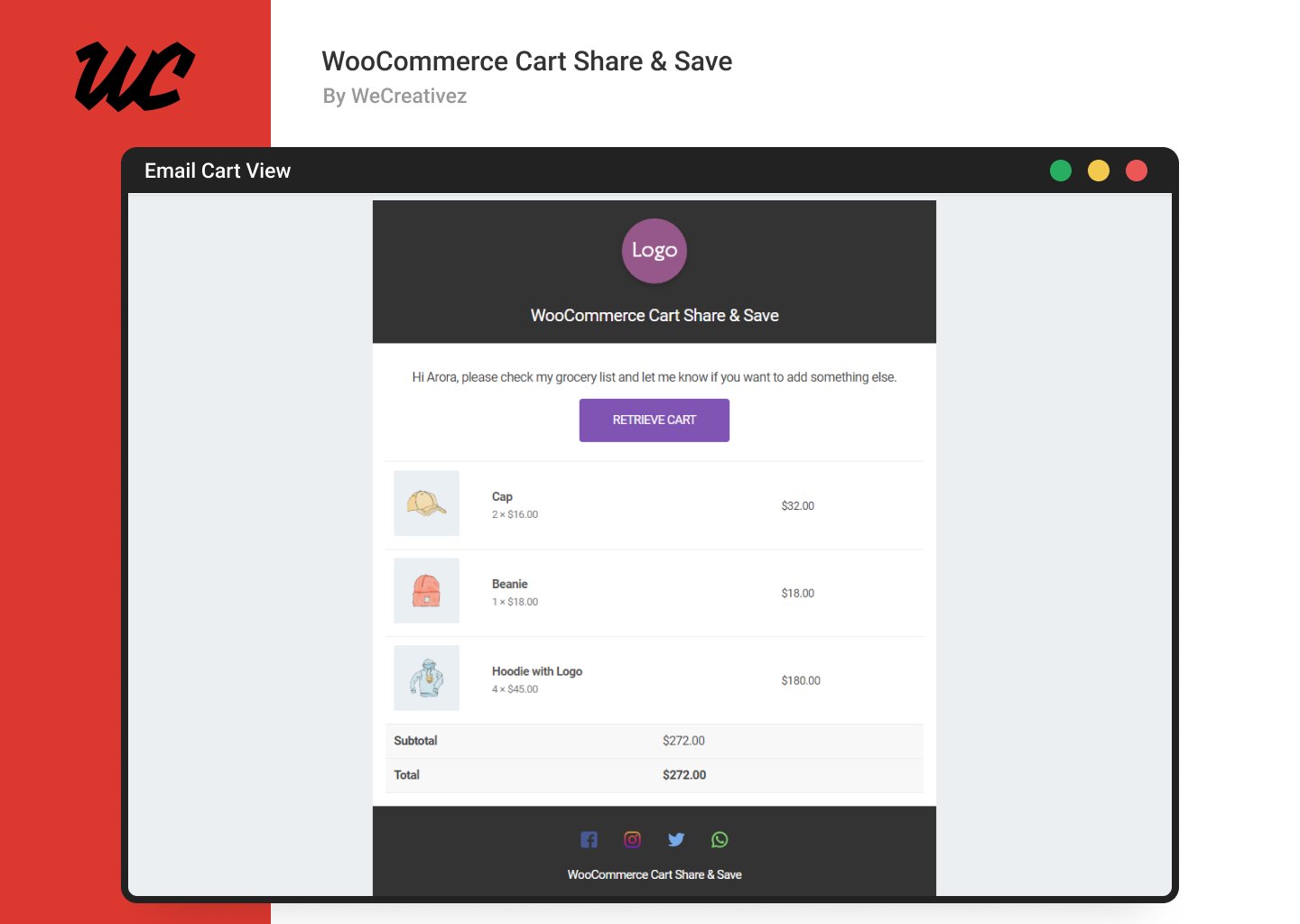
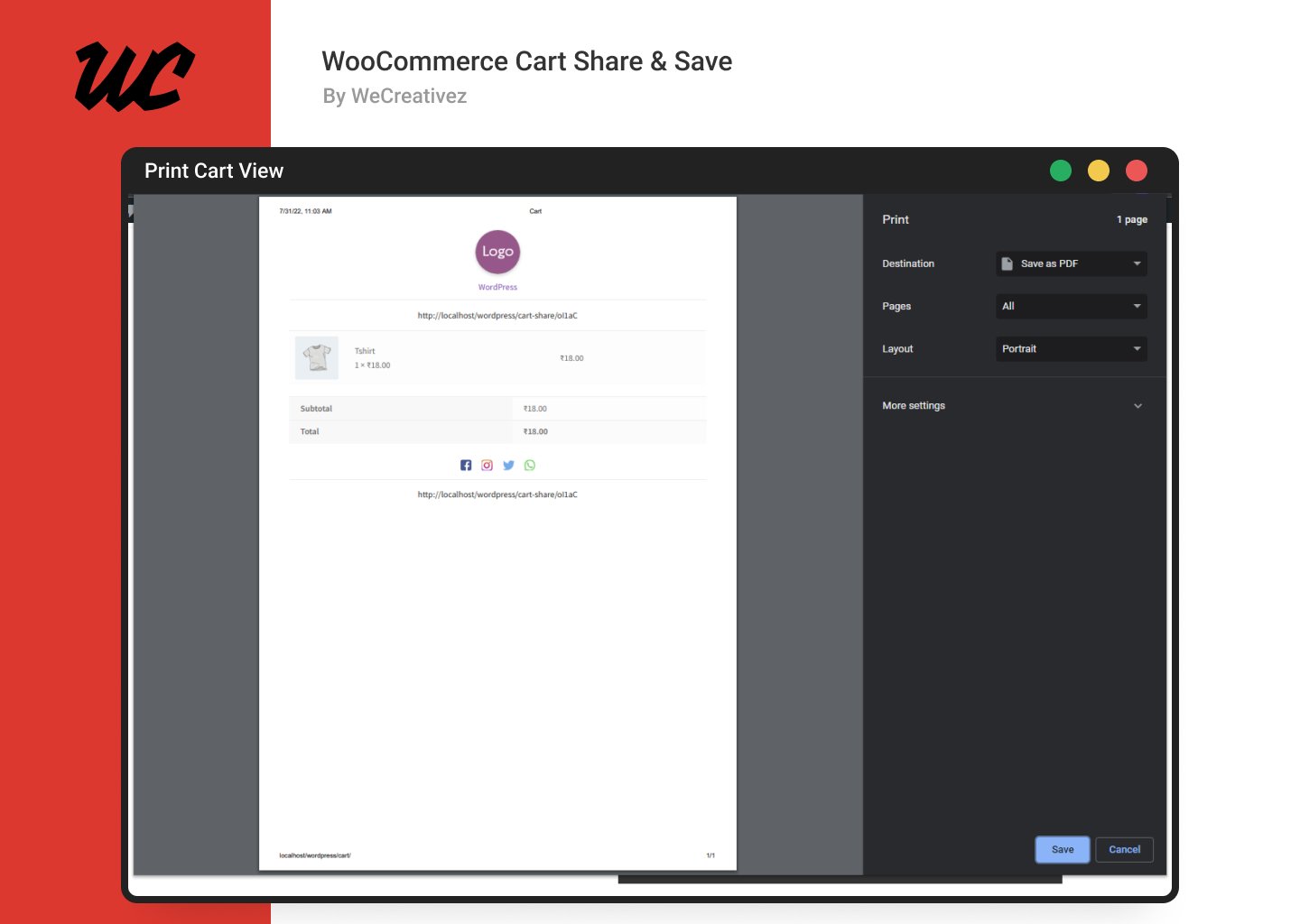
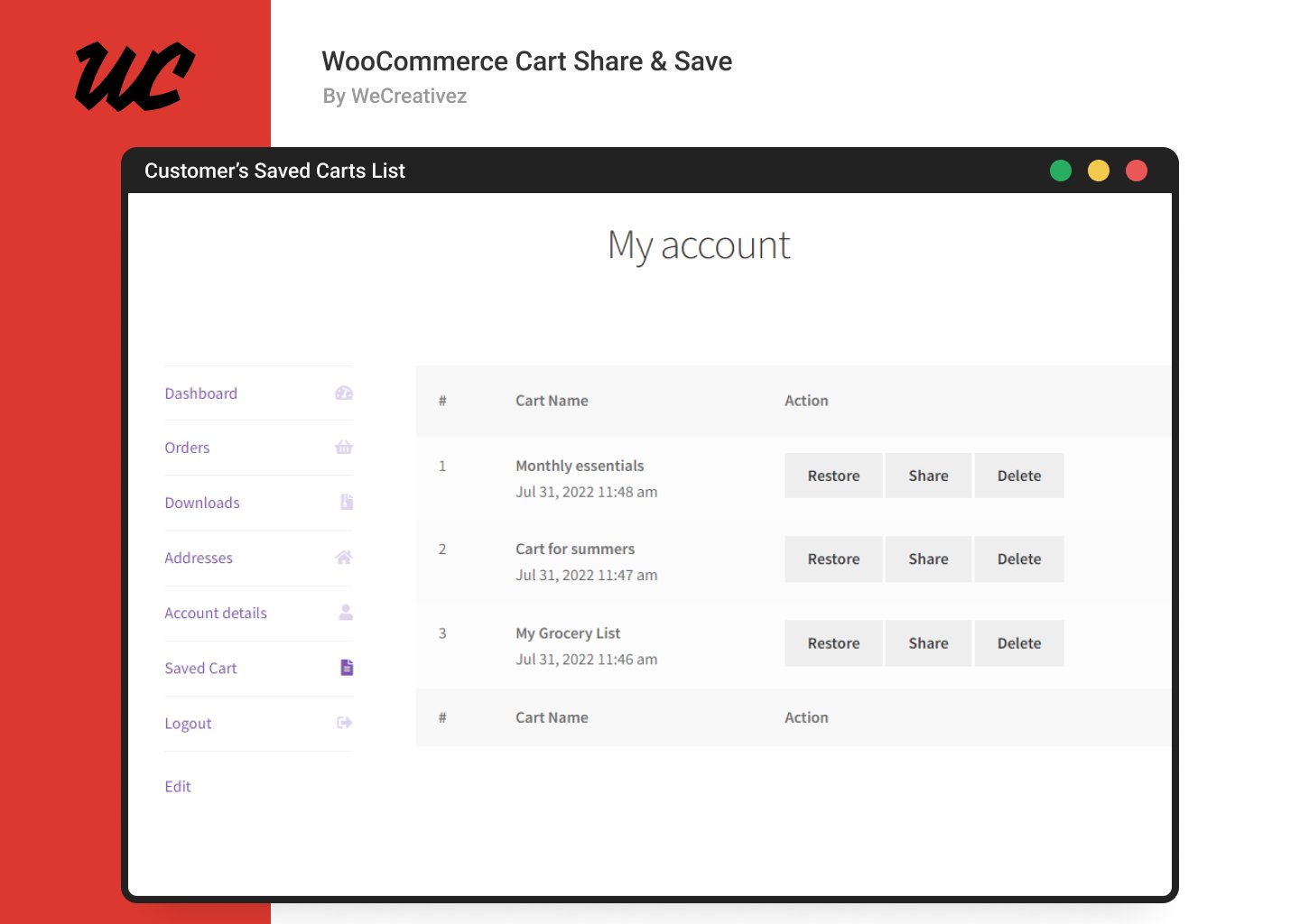
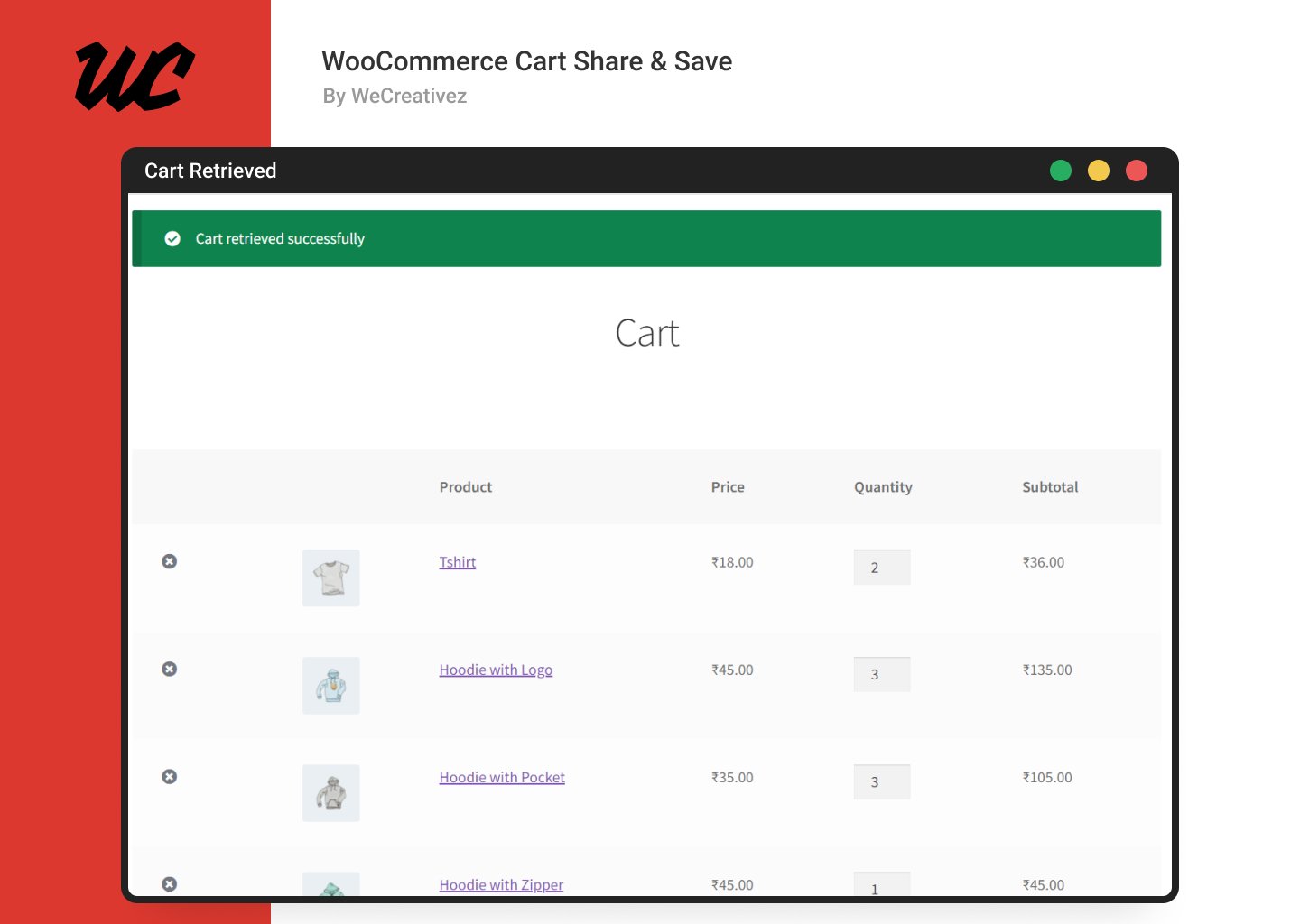
WooCommerce cart share and save extends the possibilities of WooCommerce by offering function where user can share and save cart and retrieve it any time. WooCommerce cart share and save will definitely increase your sales and promotions.
| Experienced and professional teamOur team of experts has years of experience in WordPress development and design. | High-quality serviceWe provide high-quality services to all our clients, ensuring that their requirements are met to their complete satisfaction. |
| Regular updates and maintenanceWe provide regular updates and maintenance to keep our clients’ WordPress websites running smoothly. | Advanced security measuresOur WordPress websites are designed with advanced security measures to keep them protected against potential threats. |
| Customer-focused approachOur primary focus is on providing an exceptional customer experience and ensuring customer satisfaction. | Comprehensive supportWe offer comprehensive support to all our clients, providing assistance whenever they need it. |
Try Demo Before Purchase. Click here


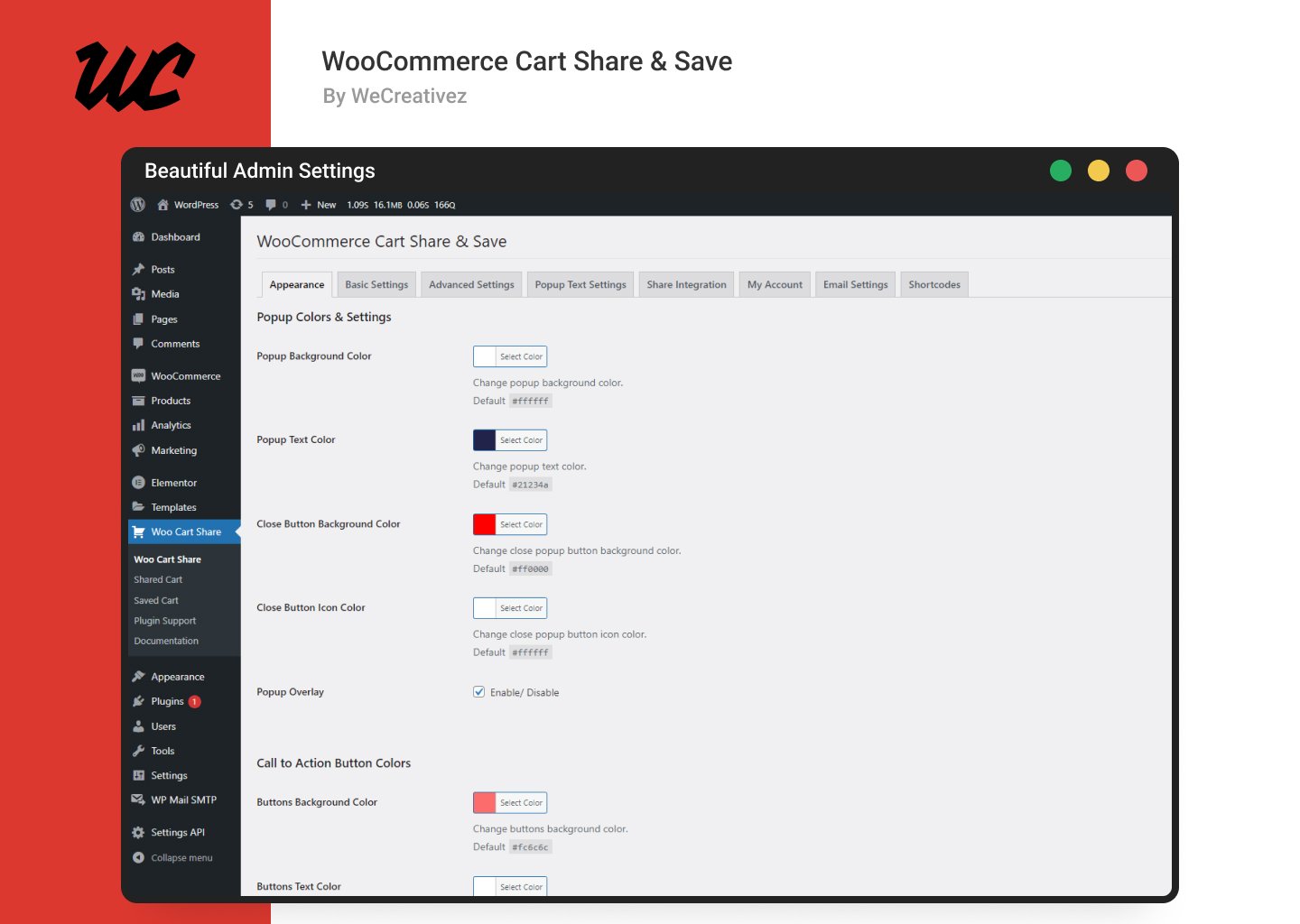
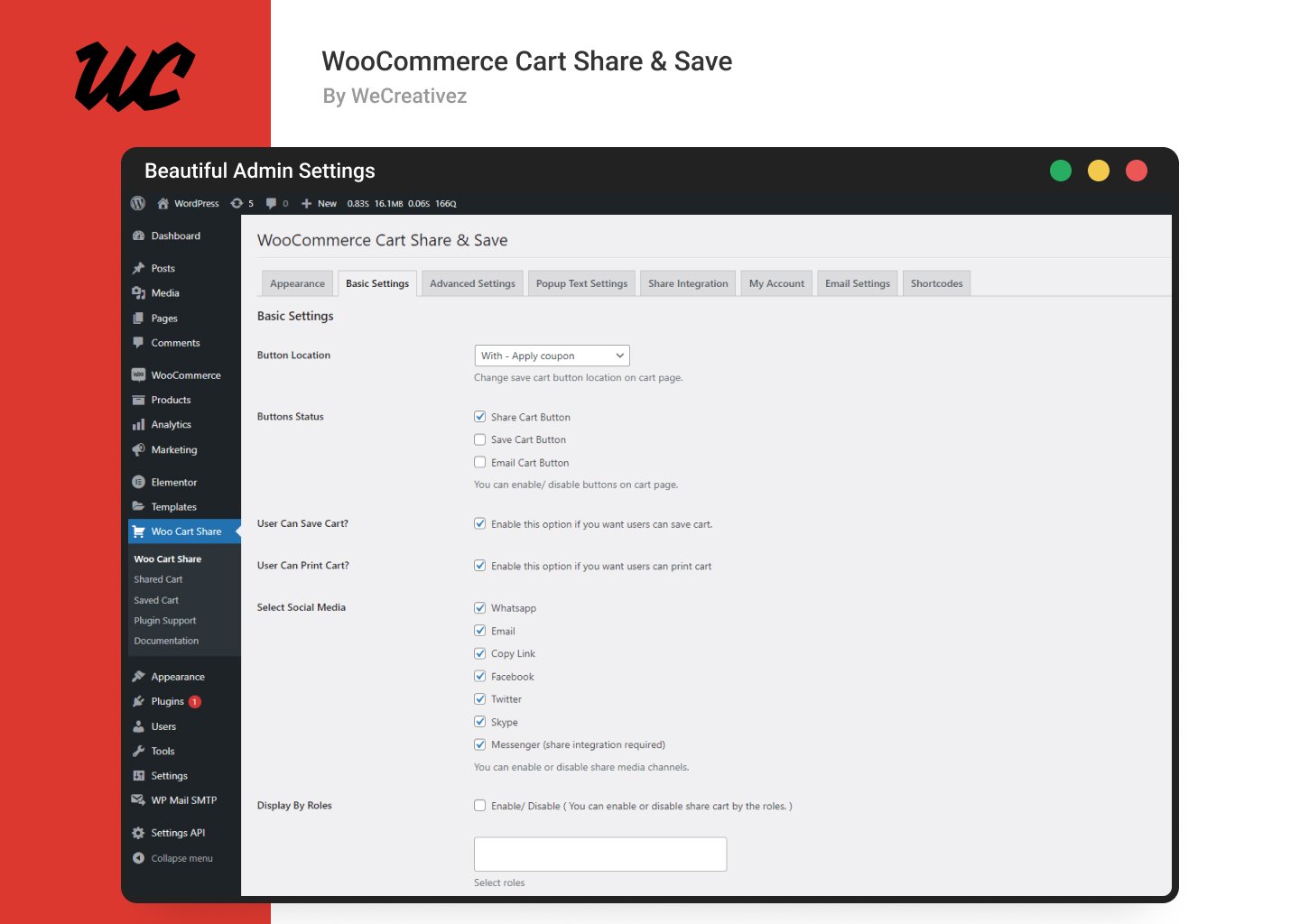
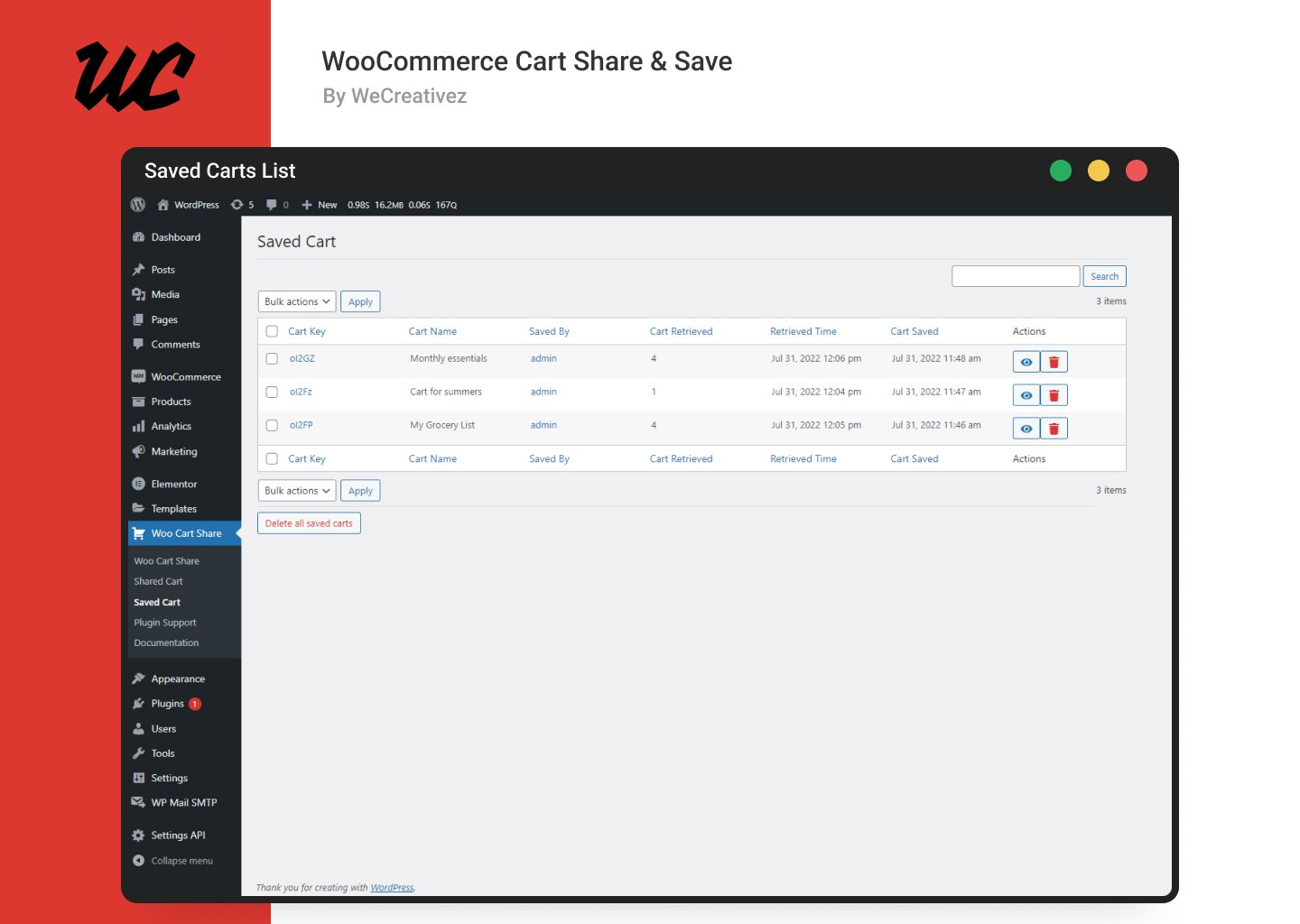
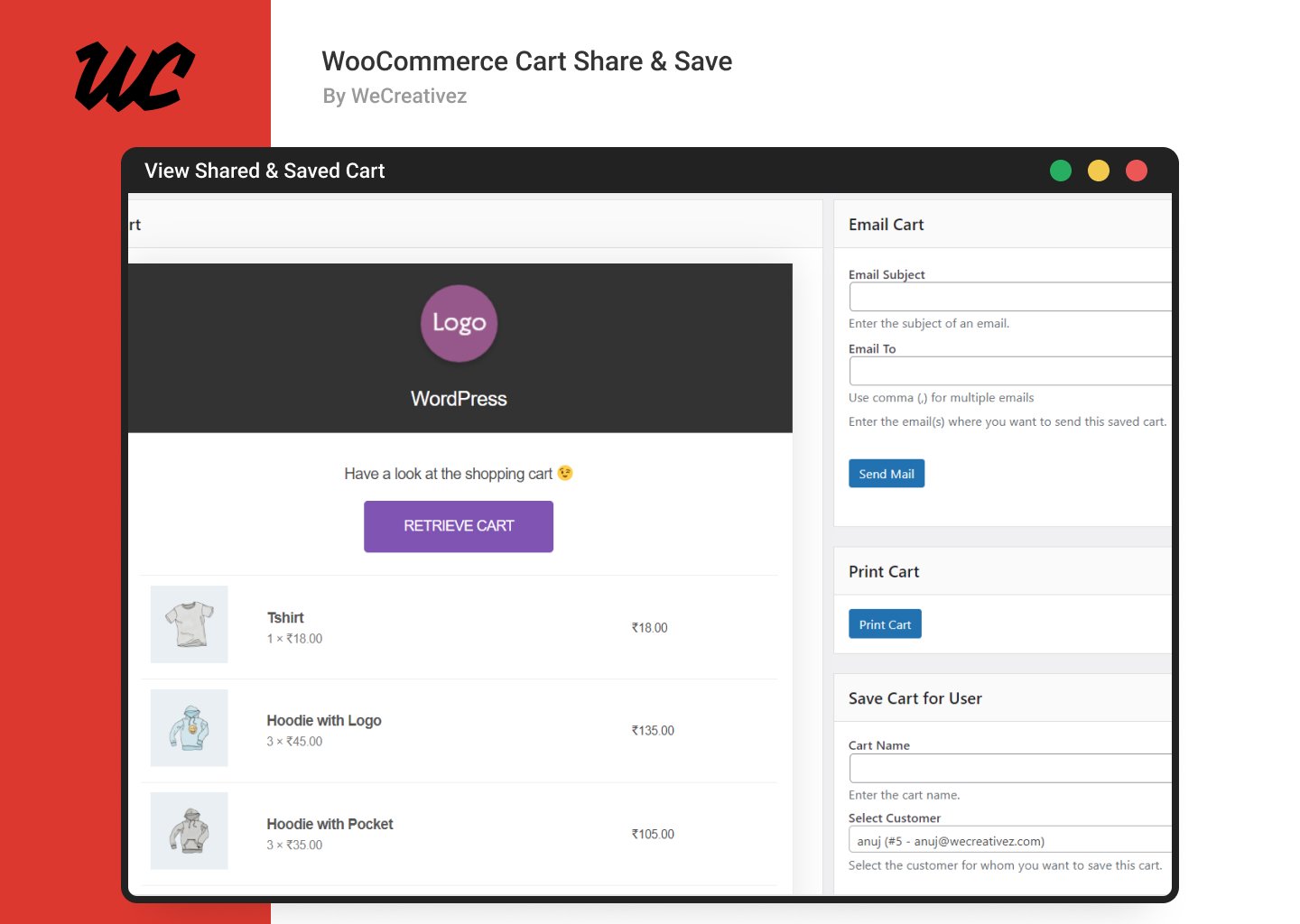
Step 1: Go to plugin settings "Woo Cart Share".
Step 2: Click on "Basic Settings" tab".
Step 3: Find and click on "Developer Settings" link.
Step 4: Find "Fix 404 Issue" and click the "Fix Now" button.
Step 1: Go to plugin settings "Woo Cart Share".
Step 2: Click on "Basic Settings" tab".
Step 3: Find option "Retrieved Cart Redirection"
Step 4: Select the page where the user redirects after retrieving a shared cart..
Step 5: Click on "Save Changes" button.
WooCommerce cart share and save extends the possibilities of WooCommerce by offering function where user can share and save cart and retrieve it any time.
$39.00 Original price was: $39.00.$30.00Current price is: $30.00.